Open the app and see what today needs: which cases you’re covering, whether they’re ready, and what to do about the ones that aren’t.
Three moves cover the whole job, and the office sees each one the moment it happens — no calls, no texts, no end-of-day catch-up.
Date, time, facility, surgeon, procedure, and the kits it needs. The case exists for the office the second you save it.
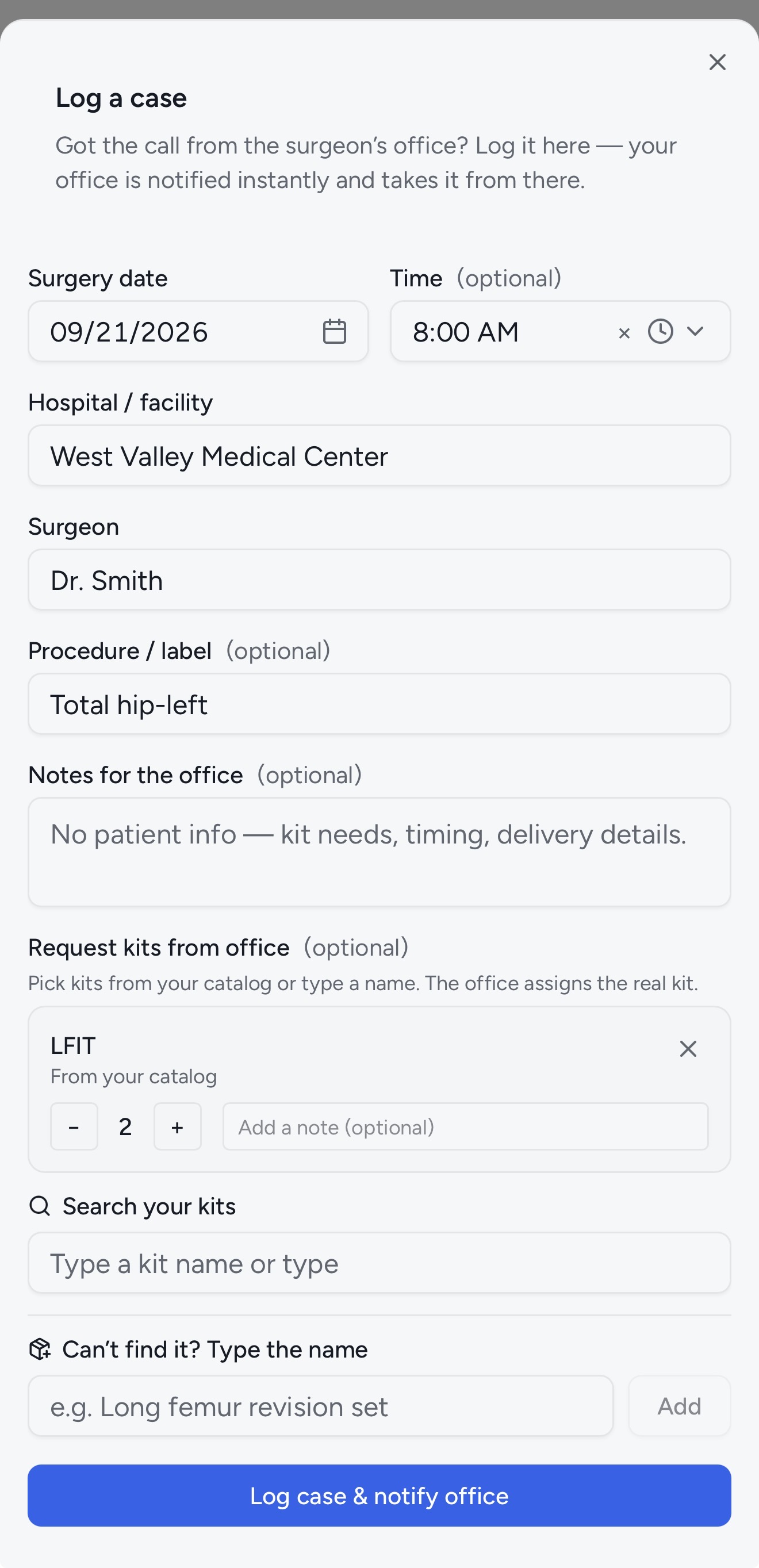
Open the case, tap Request a kit, and it lands in the office’s Kit Requests inbox with the case already attached. Every request stays on the case record.
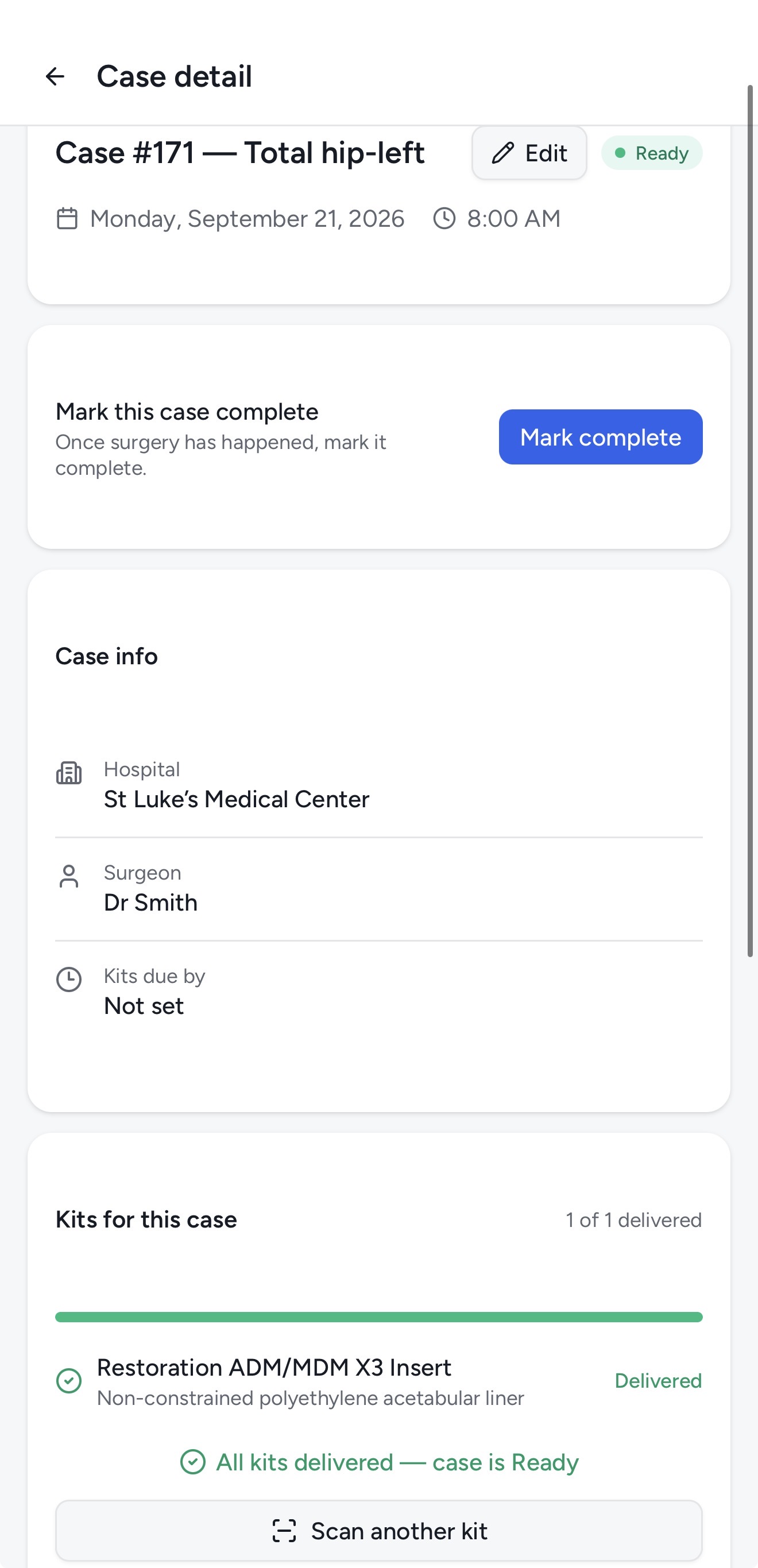
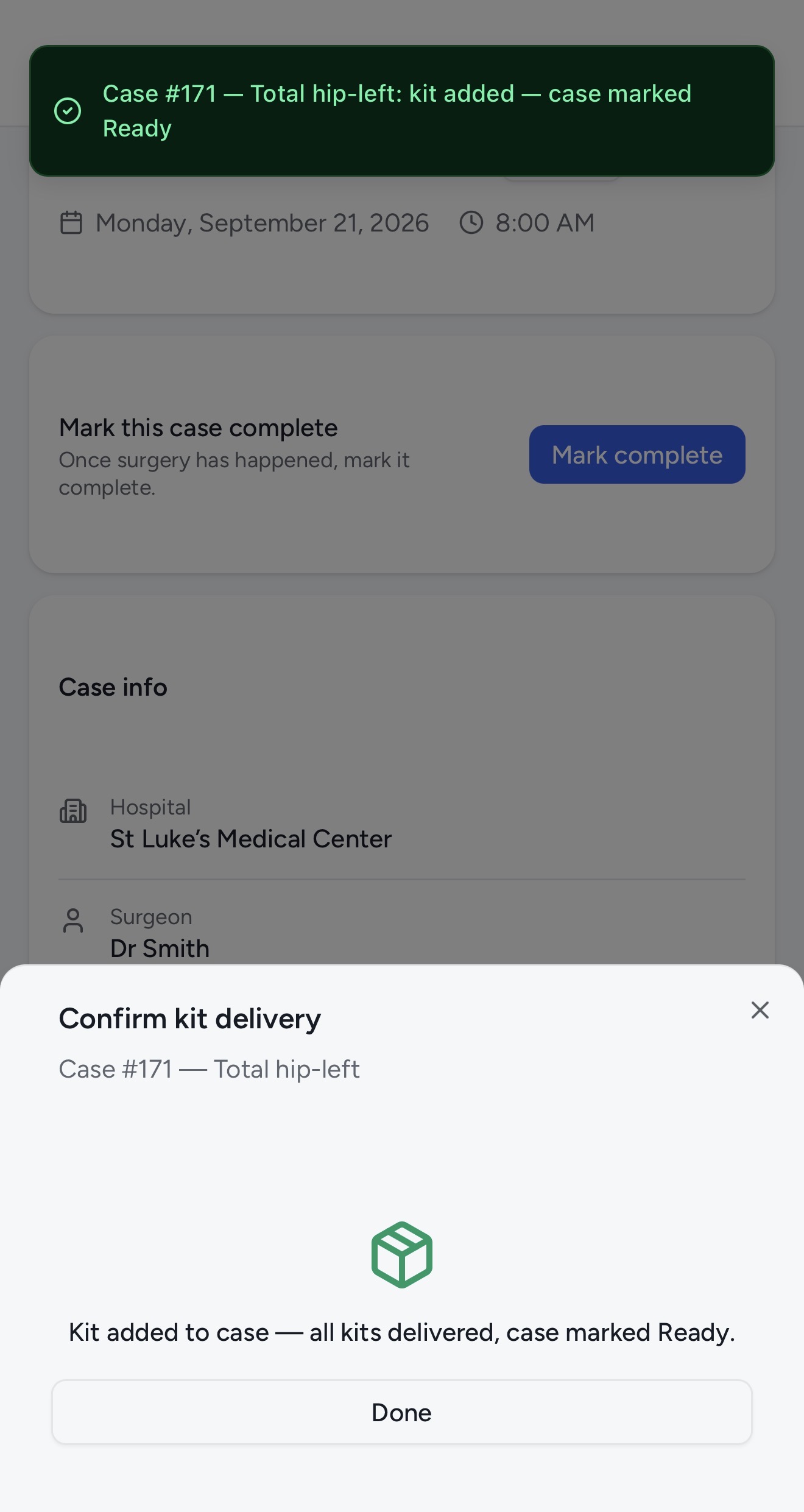
Scan each tray as it’s loaded or delivered. Kitlogi checks it off the case’s expected list, and readiness flips the moment the last one is in.
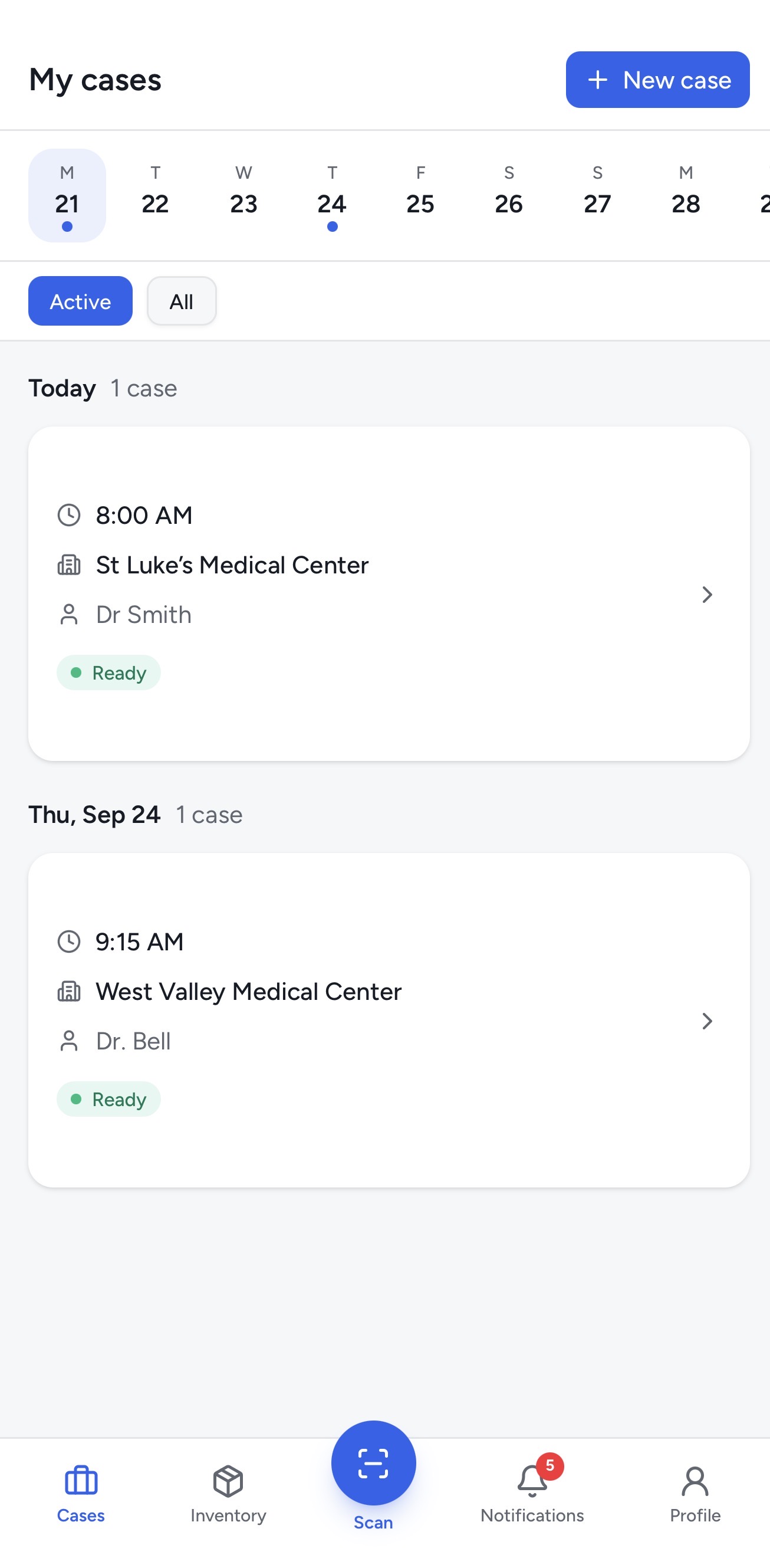
The date strip shows your schedule; each case shows its surgeon, hospital, time, and readiness. Tap through for kits, blockers, and history.
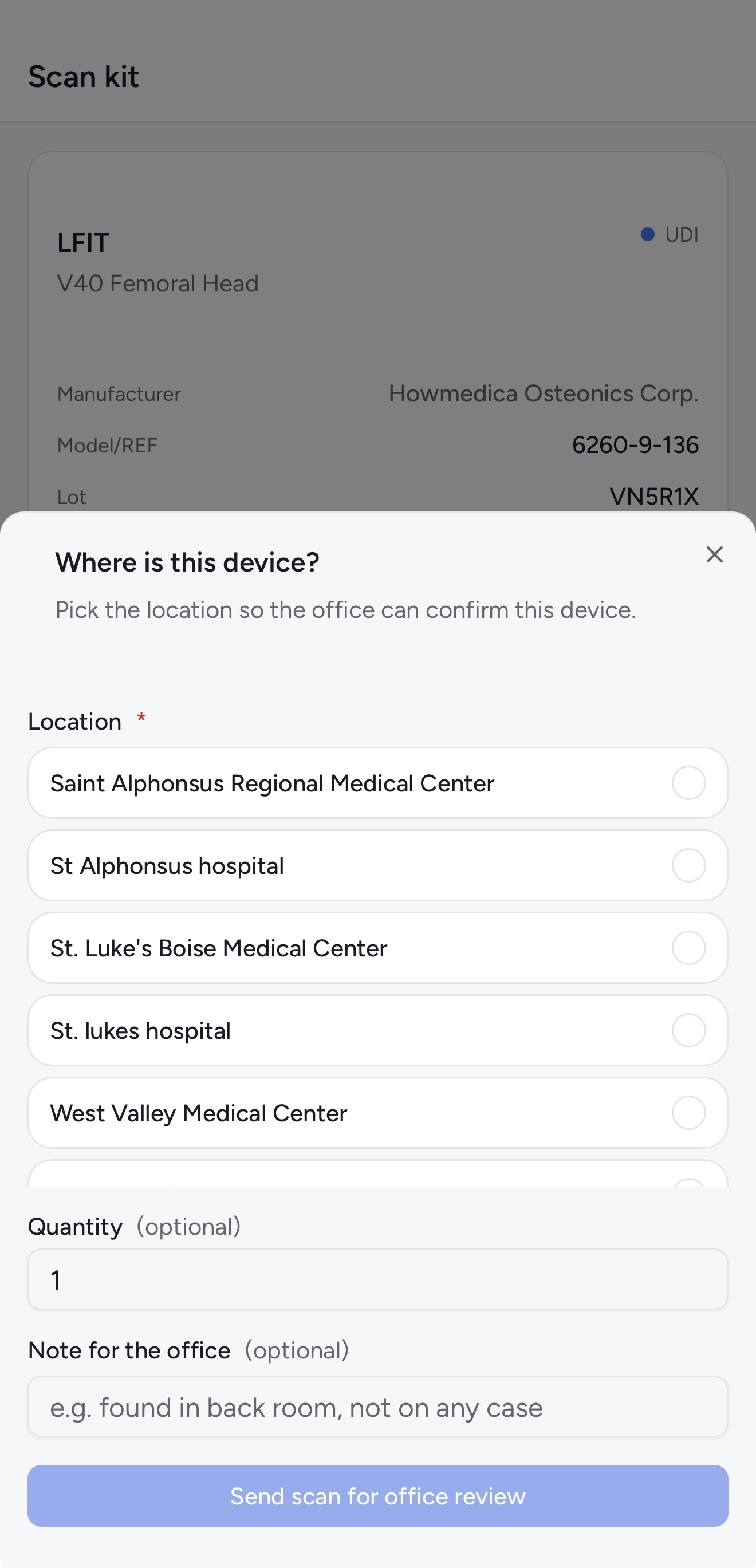
Found the kit you need in the warehouse/office, in the car, or on a hospital shelf? Request it for a case straight from the scan result. The office gets it in the Kit Requests inbox with the case already attached.
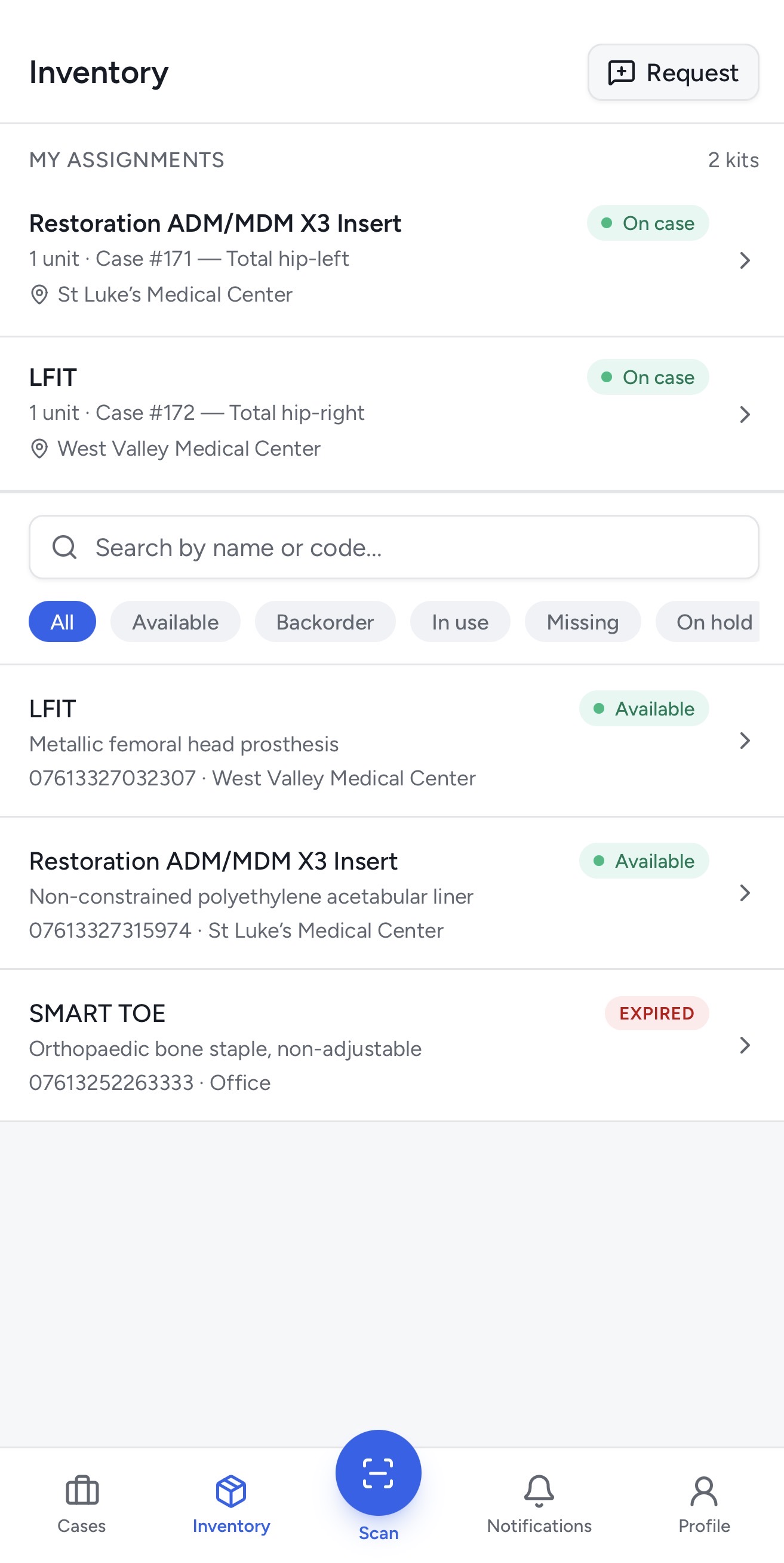
Filter by status, search by lot or serial, and see at a glance which kits are consumables and which are loaners. Expiring kits are flagged before they cost you a case.
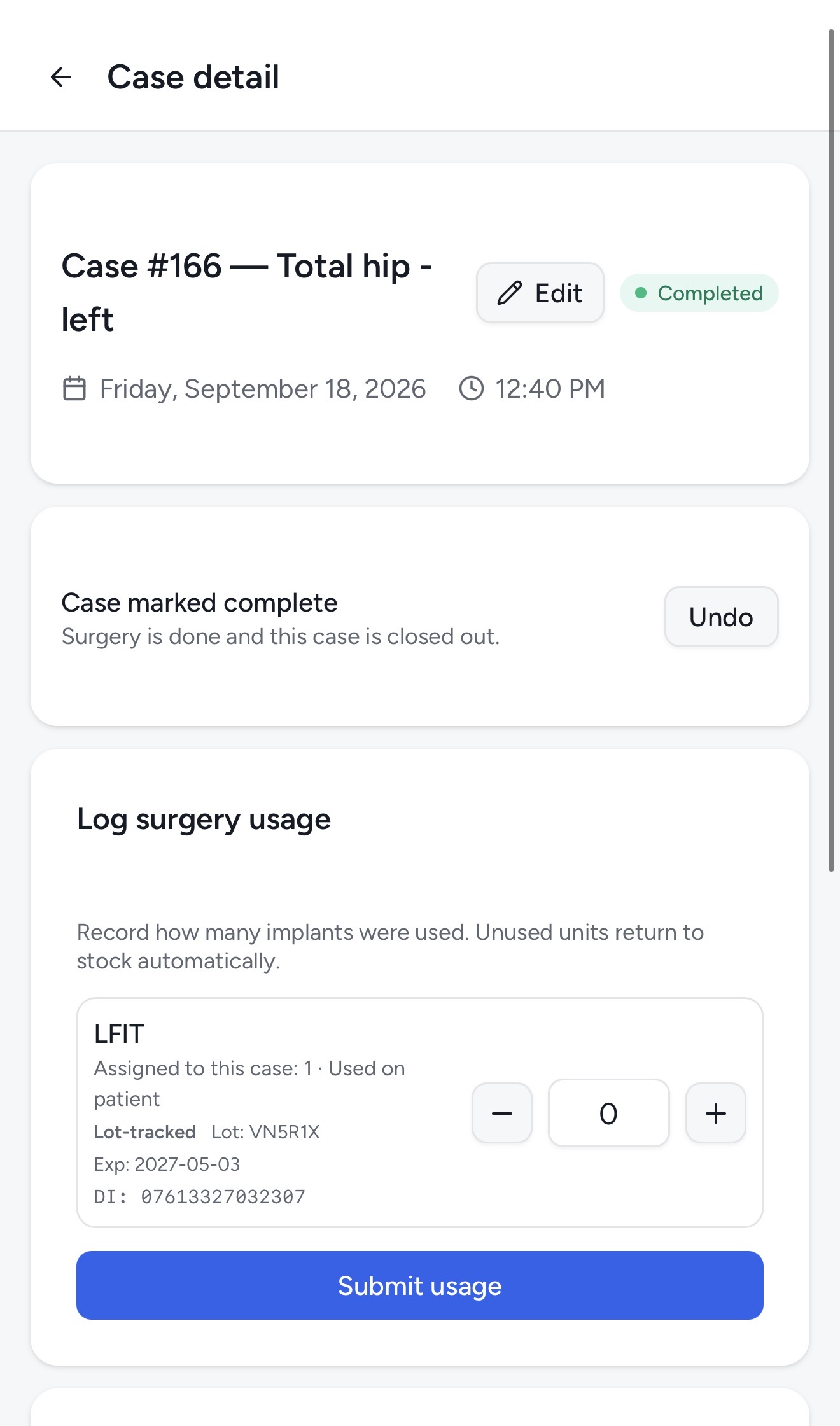
Consumables deplete. Loaners come back. When the case wraps, mark the implants that were used — unused units return to stock, loaner trays release to the shelf, and the office sees all of it live.
Damaged packaging, a count that’s off, a kit in the wrong place — report it from the shelf with a note and a reason. The office gets it as a request they can approve in one tap.
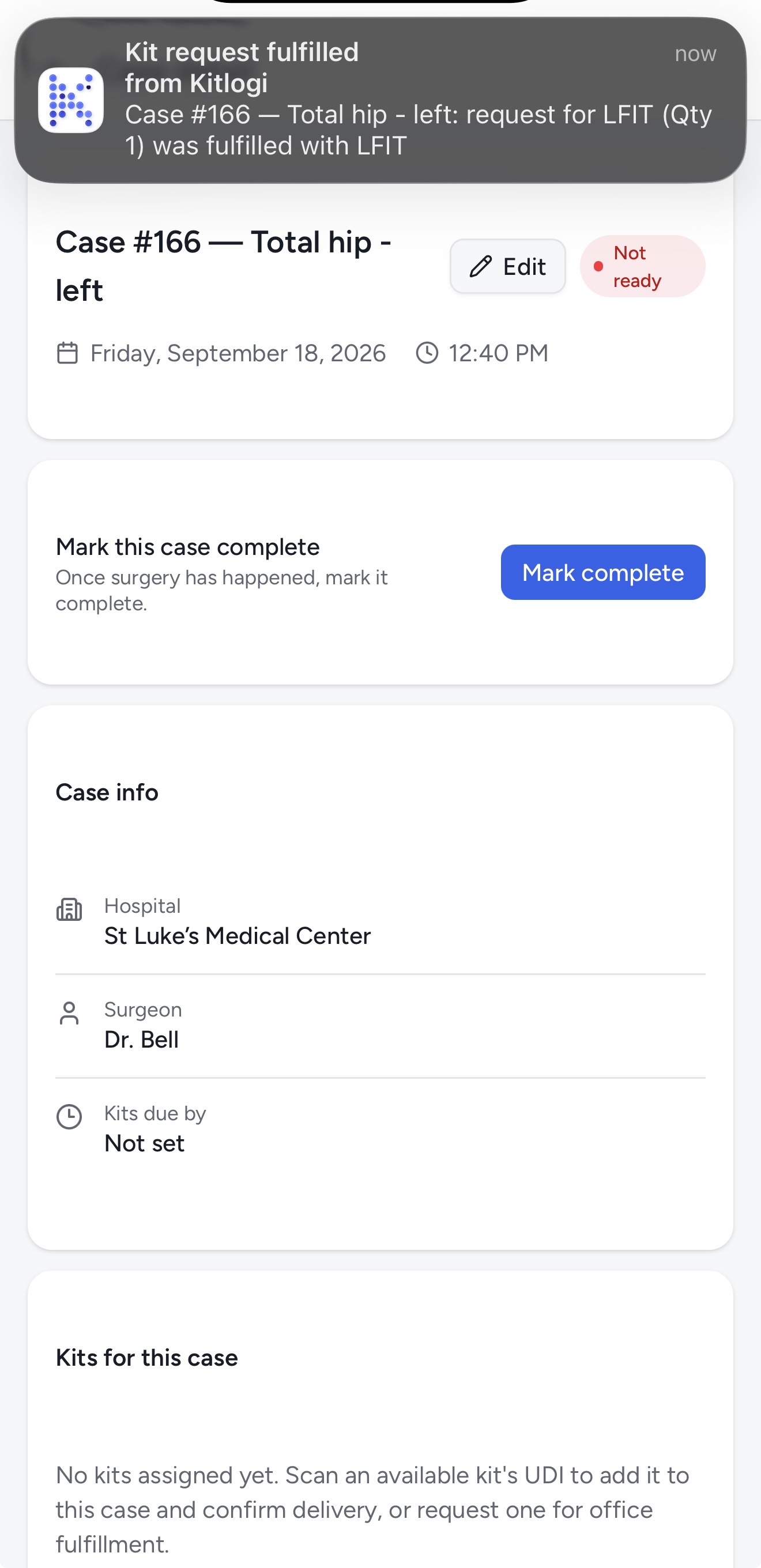
Scans matched, kits assigned, requests approved or rejected, cases marked ready. Case notifications lead with Case #220 — Total Hip: so you know what an alert is about before the second line.
Both read the same 1D UDI barcodes and 2D GS1 DataMatrix codes with the phone camera. What changes is what the scan does.
Opened from a case. Every scan checks a kit off that case’s expected list — nothing else moves.
Where you find it: open a case → Confirm kits
The Scan button on the toolbar. Not tied to a case — it’s how stock gets added and moved.
Stryker GmbH · Intramedullary Arthrodesis Implant
From FDA database (AccessGUDID)
Where you find it: toolbar → Scan
Scans and case updates queue when the signal drops in a hospital basement, then sync the moment you have bars again.
Your phone camera is the scanner. No sled, no scanner gun, no laptop in the trunk.
Accounts support MFA, and row-level security keeps your view scoped to your own company’s kits and cases.
The rep app is a PWA. Open rep.kitlogi.com in Safari or Chrome, choose Add to Home Screen, and it launches full-screen from your phone’s home screen. Nothing to download from an app store, nothing to update.
Scan your first kit today. Your first 14 days are free.
Card required. Cancel anytime.
Run the office side? See the office platform →